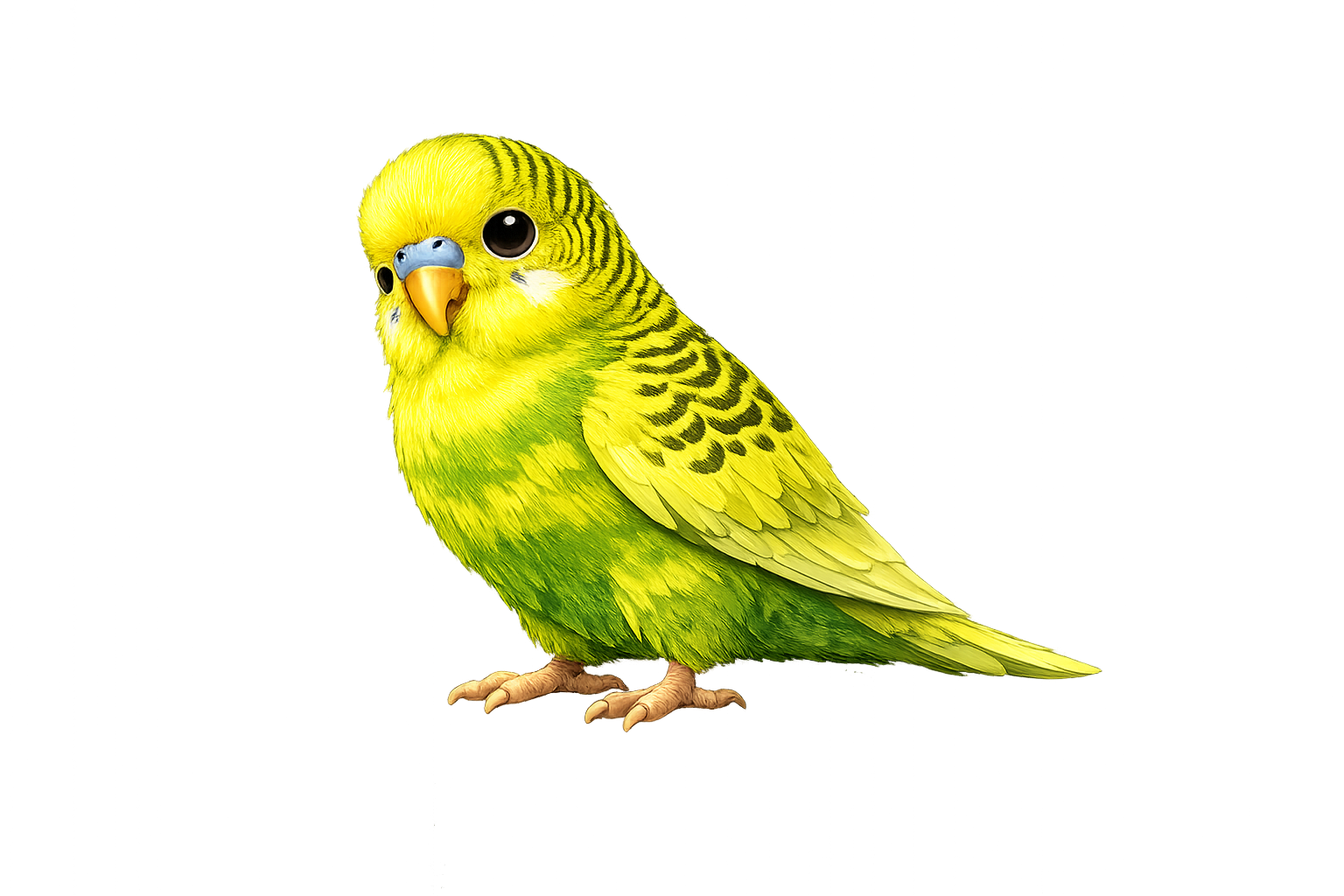
Focus Timer for Designers
Stop adjusting that kerning for 3 hours. A screaming bird forces you to step back.
Add to Chrome — FreeNo account needed • Works instantly
The Designer Time Warp
You open Figma to "quickly adjust a button." Four hours later, you've redesigned the entire component library, your eyes are dry, and you can't tell if the spacing looks right anymore.
Design requires focus, but it also requires distance. You can't judge your work when you've been staring at it for hours.
Why Designers Need Diwa
Prevent Eye Strain
Staring at pixels all day? Regular breaks protect your most important design tool: your eyes.
Break the Perfectionism Loop
That gradient you've been tweaking? Probably looked fine 30 minutes ago. Walk away.
Reference Tab Control
42 Dribbble tabs open for "inspiration"? Diwa knows you're procrastinating.
Return With Clarity
Problems obvious after a break: alignment issues, color imbalance, over-design.
Your Design Flow
Open your design tool, start Tired Budgie
Design for 25 minutes without second-guessing
Diwa screams → look away, stretch, hydrate
Return and see your design with fresh perspective